One menu, not two
- Change it once, it changes everywhere
- Sold out is sold out, on every screen
POS integration for local businesses
Orders on the screen. Menus that sync themselves.
If you're re-typing online orders into the till, or editing the menu twice, that's an integration problem — not a you problem.
connected once
Clover, Square and Toast connect. Some cheaper tiers lock it behind an upgrade — I check that before you pay me anything.
Businesses I've built for
What it actually is
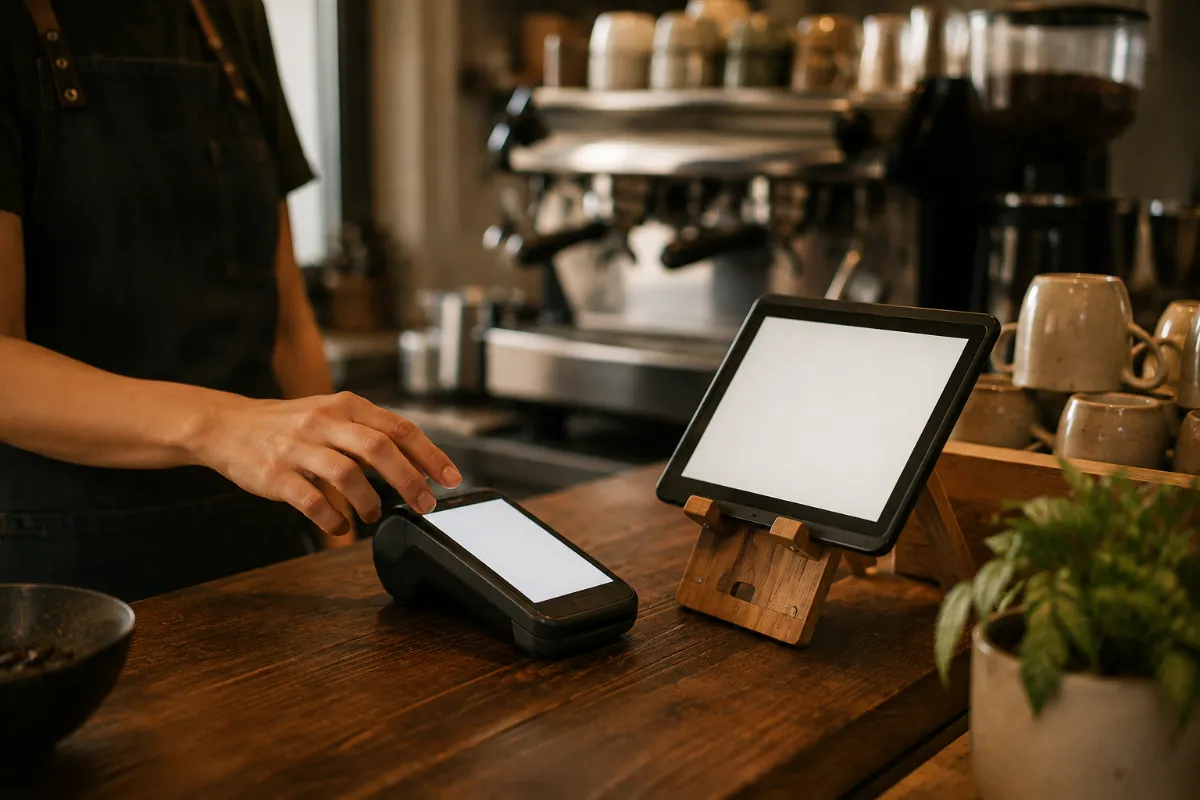
It shows up in small ways. An online order gets read off a screen and re-keyed into the till. The price changes and the menu on the website says something different for a week. Something sells out and the site keeps taking orders for it.
Connecting the two ends that. One menu to keep updated, orders arriving on the kitchen screen like any other ticket, and online and in-store numbers finally in the same place — so you can see what actually sells instead of guessing.
What connecting fixes
How it works
Whose hands it’s in
Before anything
I check your plan
Clover, Square, Toast — and what it can and can't do. Some plans limit this.
The connect
all mine
Site to till, menu sync, order routing, tested with real orders before go-live.
From then on
runs without you
If the connection breaks I hear about it, not you at the dinner rush.
Clover, Square and Toast are the common ones here and all three connect. If you're on something else, tell me and I'll check before you commit to anything.
That's the point of connecting it. Change a price or mark something sold out in one place and it moves everywhere, instead of you remembering to do it twice.
Some cheaper tiers lock the connection behind an upgrade. I'll find that out before you pay me anything, and tell you straight whether it's worth the upgrade.
It's part of the build, not a separate integration bill — inside the one $500 build, not on top of it. You get the monthly in writing within 24 hours.
What clients say
“Working with Steve has been an amazing experience! From the beginning, he took the time to understand my business, my vision, and what I wanted my website to represent. … I’ve personally trusted him enough to refer several of my own clients, including businesses in the automotive industry, medical and wellness field, and beauty industry. Steve is professional, creative, responsive, and truly takes the time to understand each business instead of giving everyone the same cookie-cutter approach.”
“Steve built us an awesome website! Our old site was outdated. The new one shows customers that we are professional. He is continually editing the site to make it better. The site was up within like 2 days. We couldn’t be happier with the results!!”
“I was starting my mobile RV repair business from scratch and Steve at Rise Local handled the entire launch for me. He built my website, got me set up online and on Google, helped me form my LLC, and put together a full marketing gameplan to actually bring in customers. I didn’t know the business or the online side at all, and he walked me through every piece of it — domain, branding, all of it.”
“It’s a very clean look that I wanted exactly how he made it and he was very transparent on assisting me on what I wanted. The website sends leads straight to my discord and email. Having clients sign up is also quicker with his product. Steve is working hard all by himself, he handles everything, and if I ever wanted to change something he instantly was there for me.”
“I own a digital marketing agency. I notice how people in this industry actually work — and most of them don’t. Steve at Rise Local is different. He’s not just building websites and hoping for the best. He’s handling your Google and Apple Maps presence, cleaning up your reviews, setting up booking systems, running ads, and meeting with you monthly to make sure everything keeps moving. That’s the full picture — not just one piece of it.”
Before we even talk
Type in your business and I'll build you a Local-Visibility Scorecard — where you stand, and the first thing I'd fix.